
Payslips
See every payslip as soon as payroll closes, with each earning and deduction itemized.
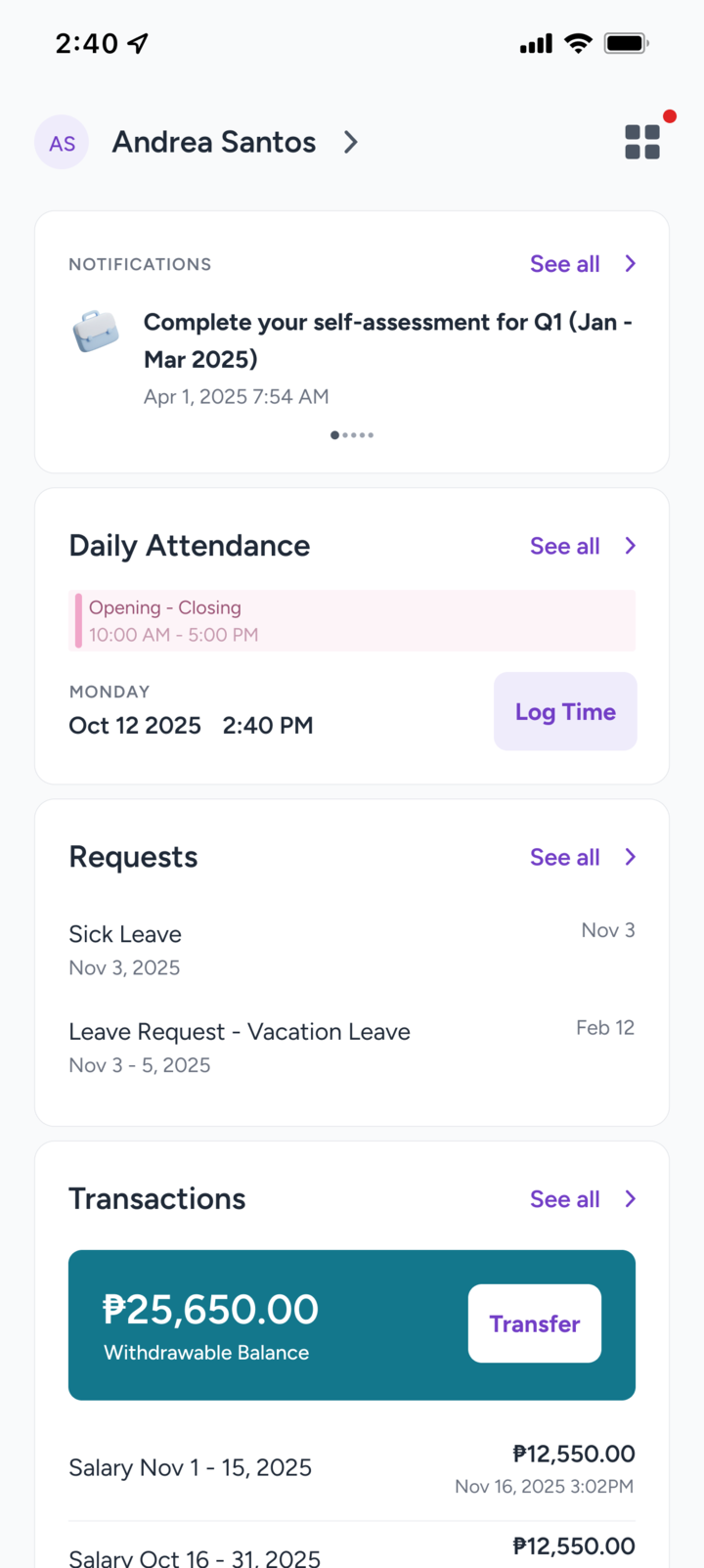
Check your payslip, file leave, review your attendance, and reach HR from anywhere. Available for iPhone and Android.


You'll need an employer that uses Everypay to sign in.
Features depend on what your employer has turned on.
See every payslip as soon as payroll closes, with each earning and deduction itemized.
Check your leave balance, then file leave or overtime in a few taps. Track each request until it's approved.
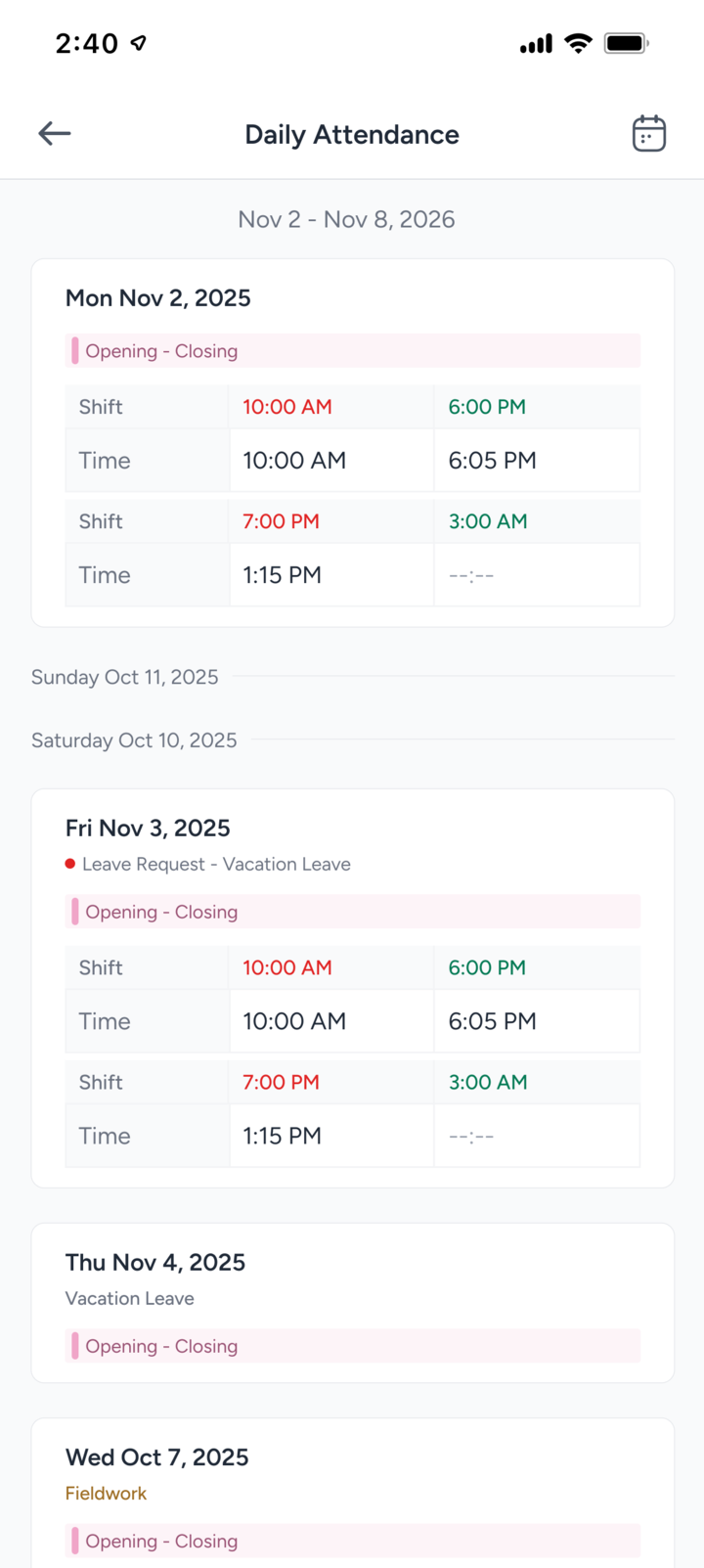
Review your weekly time logs. Where your employer allows it, clock in remotely or log fieldwork from your phone.
Withdraw the pay you've already earned to your bank account before payday, if your employer offers it.
Ask HR a question, attach a file, and follow the replies in one thread instead of chasing emails.
Get company news as it happens and acknowledge it when required.
Get Everypay from the App Store or Google Play.
Sign in with the mobile number registered with your employer, then enter the one-time code we text you.
Create a PIN so you can sign in quickly and securely next time.
Can't sign in? Ask your HR team to confirm your registered mobile number, or email info@everypay.ph.